DKIM check (DomainKeys Identified Mail)
DKIM signs outgoing email. Receivers verify signatures using your DNS public key to confirm message integrity, improve trust and support DMARC alignment.
- Use the free scan to confirm whether DKIM looks present and whether selector-related work is still missing.
- Use the paid report when several platforms send mail for the same domain and you need a cleaner rollout order.
The live scan stays on the homepage. Here, the goal is simply to make DKIM issues easier to understand before you change DNS or provider settings.
What the DKIM report adds
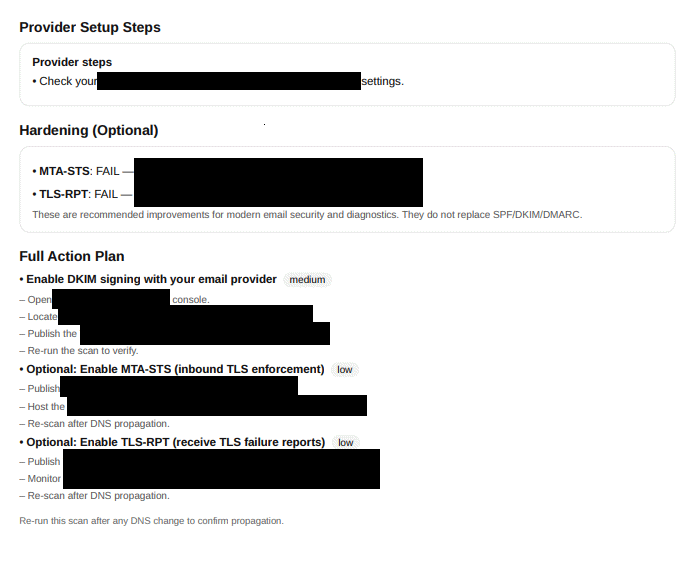
DKIM work often gets blocked not by DNS syntax, but by uncertainty around the provider, selector and sender inventory.
- The report turns that into a short implementation path.
- It gives internal teams a concrete task instead of “check DKIM”.
- It also makes the link to DMARC alignment clearer for non-specialists.
Most common DKIM issues
Unknown selector
You need the exact selector from your mail provider to validate DNS records.
Alignment gaps
DKIM must align with your visible From domain to satisfy DMARC consistently.
Multiple senders
Different tools can sign with different selectors. Keep your records documented.
No key rotation process
Periodic rotation reduces risk and avoids stale DNS keys.
Why DKIM pages often fail to convert
A generic “validate DKIM” page sounds useful, but most buyers need to understand what happens after the check. The PDF value is that it bridges DNS, provider setup and alignment logic in one artifact.
FAQ
It is strongly recommended for modern inboxing.
In your sending provider dashboard, then publish the related DNS record.